Tutorial
Robots.txt vs Noindex: Choose the Right Control for a Page
Choose between robots.txt, noindex and access controls by the outcome you need, then verify the change using page evidence and Google's URL Inspection tool.
 By Abhi Bavishi, , 8 min read
You want a page to disappear from search, so you block it in robots.txt. Later, its URL still appears. The problem may be the control you chose.
Robots.txt manages crawler access. It is not a reliable way to remove a URL from Google's results: Google can discover a blocked URL through links elsewhere. Google's robots.txt introduction
A noindex instruction serves a different purpose. Google must be able to fetch the page and see that instruction. Blocking the same page in robots.txt can prevent that from happening. Google's noindex documentation
Start with the intended outcome
Before asking an agent to change anything, write down why the page exists and who should be able to see it.
| Intended outcome | Starting point | Verification |
|---|---|---|
| Keep a public utility page out of Google results | Review a page-level noindex instruction | Confirm crawler access and the actual instruction |
| Manage crawler access to a URL pattern | Review robots.txt rules | Check the relevant crawler group and matching path |
| Keep a client report private | Authentication and authorization | Verify an unauthenticated visitor cannot access it |
| Make a useful public page eligible for indexing | Investigate unintended blocking and other indexing problems | Inspect the URL in Search Console |
Authentication is an access-control decision. Neither a hidden navigation link nor a search directive makes a public client report private.
For a useful article, removing an accidental block is only the start of the investigation. It does not promise that Google will index or rank it.
Inspect the exact URL
Take a fictional download confirmation page at /resources/template/thanks. The team wants customers to reach it after submitting a form, but does not want it appearing as a search landing page.
Suppose the site currently serves this rule:
User-agent: *
Disallow: /resources/template/thanks
The confirmation page also contains:
<meta name="robots" content="noindex" />The two instructions frustrate the intended outcome: the crawl block can prevent Google from reading the page's noindex instruction. For this public confirmation page, remove the applicable crawl restriction while retaining noindex. Check for broader matching rules and crawler-specific groups before assuming that deleting this one line is enough. Google documents the need to allow crawling for noindex to work. Google's noindex implementation guidance
The acceptance check is concrete: an unauthenticated request to the exact URL returns the intended page with HTTP 200 and the noindex instruction, and the applicable robots rules allow Googlebot to fetch it. Then inspect Google's view in Search Console. These checks establish the configuration; removal from results still depends on Google processing the instruction.
If this URL contains a private customer download, the requirement changes: protect it with authentication and authorization. Crawl access is not the way to solve that problem.
Record the URL, intended audience, current response, redirect destination, and the instruction actually returned. Check the live page rather than relying on a CMS setting's label. A template-level setting, CDN rule, and page-level override can produce a different result from the one an editor expects.
RankParse's page SEO check can help inspect the response, final URL, canonical, and robots metadata. Its site-health check offers site-level robots observations. These are useful starting observations, not a complete simulation of Google's crawler.
Inspect response headers separately if an X-Robots-Tag is relevant. For a particular path, examine the applicable robots rules rather than treating a site-wide “disallow all” check as a path-specific verdict.
Three controls, three different jobs
Think of access, crawling, and indexing as separate decisions. Access controls determine who can retrieve protected content. Robots rules guide crawler access. Noindex communicates an indexing instruction when the crawler can read it. Combining these into a single “hide page” setting makes mistakes likely.
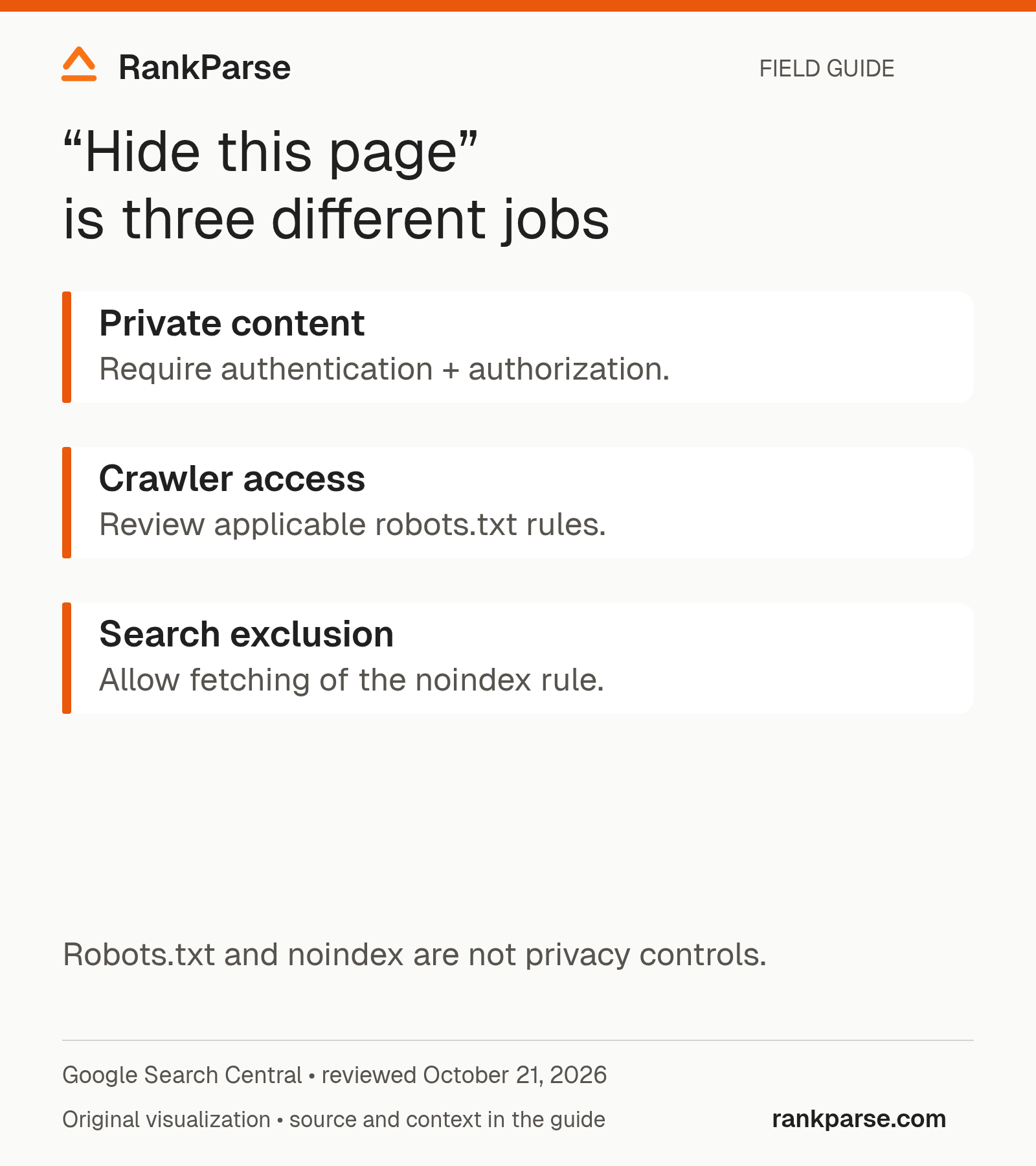
A public confirmation page, an authenticated customer report, and an obsolete article can all be described as pages that “should not appear in search,” yet they have different requirements. The confirmation page may remain public with noindex. The report needs access control. The obsolete article needs a retirement or replacement decision before you choose its response behavior.
Write the intended visitor experience first. Should someone with the URL see the page, sign in, reach a replacement, or receive a not-found response? Once that is clear, choose the search configuration that supports the decision. Do not use robots.txt as a privacy feature.
Follow the crawler's dependency chain
For the public confirmation page, the important sequence is discovery, fetch access, reading the instruction, and later processing. A noindex tag in a CMS screen is not evidence that the crawler can receive it.
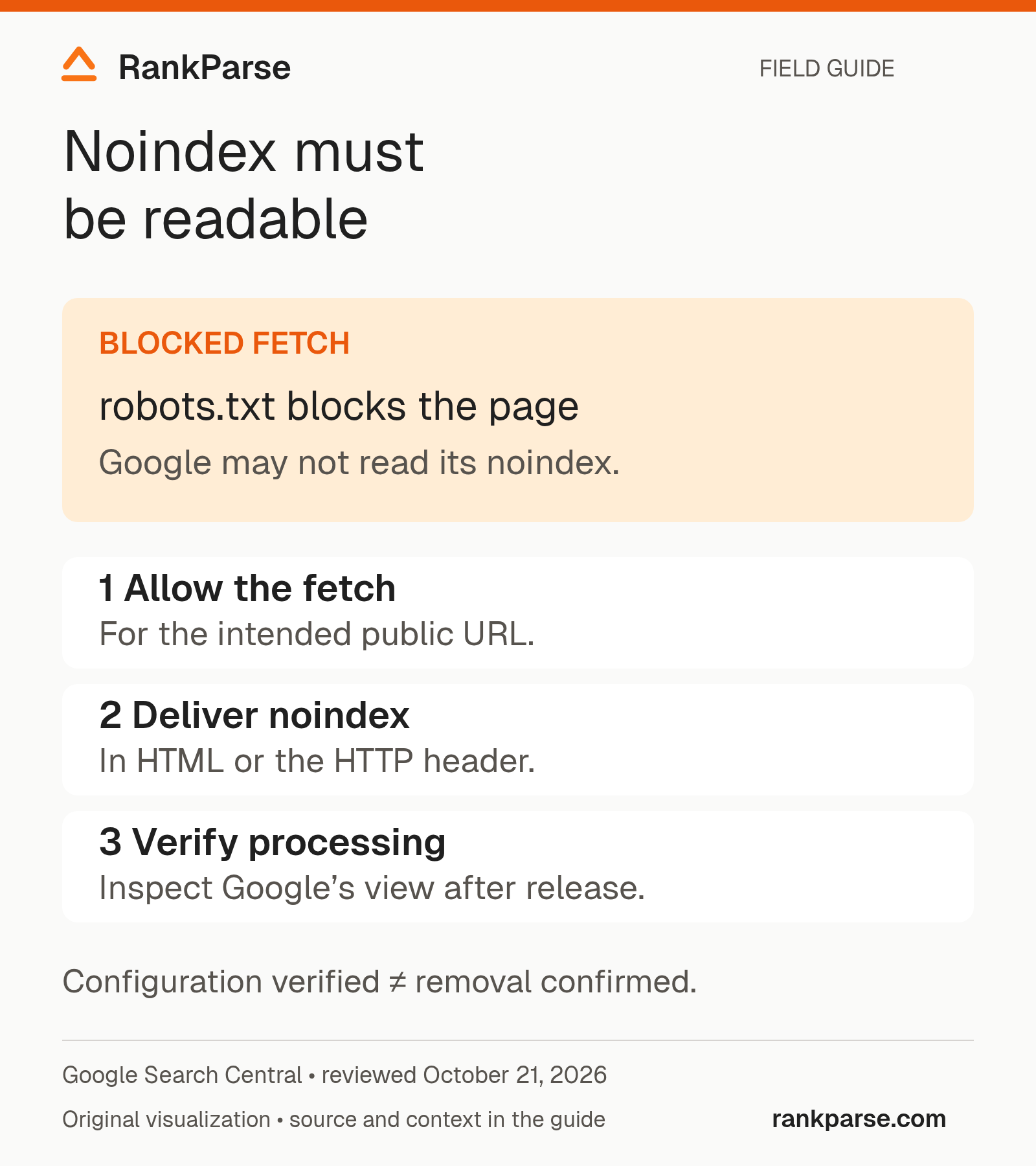
Check the exact URL variant you care about. A trailing slash, a redirect, a query string, or a different hostname can lead to another response. Record the final destination and inspect the instruction returned there. If your test request gets an error page, you have not verified the intended confirmation page.
The conflict example above is especially easy to create during a migration. A developer may keep a restrictive robots rule from staging while an editor enables a CMS noindex setting. Each change looks conservative on its own, but together they can block the crawler from seeing the instruction you want it to process.
Use a header when the resource is not an HTML page
A PDF does not have an HTML head in which to place a robots meta tag. Google's documentation supports an X-Robots-Tag response header for indexing directives on non-HTML resources. The same crawl-access requirement still matters. Google's robots meta and HTTP-header guidance
An illustrative response for a public PDF you want excluded from search might include:
HTTP/1.1 200 OK
Content-Type: application/pdf
X-Robots-Tag: noindex
This is a response example, not a universal server configuration. The implementation depends on your hosting layer. Check the delivered response after deployment, including any CDN behavior, rather than assuming a rule in the origin configuration reached the visitor.
If the PDF contains confidential material, use authentication and authorization. A noindex response is not a substitute for protecting the document. Confirm that someone without permission cannot retrieve the file, including through a direct link.
Diagnose mismatches without changing everything at once
Suppose the live response contains noindex but Search Console still describes an indexed URL. Keep both observations. The live check describes what is delivered now; the indexed record describes Google's stored information. Inspect the dates and the URL variant before deciding that either tool is wrong.
| Mismatch | First check | Evidence to keep |
|---|---|---|
| CMS says noindex; response does not | Template output, cache, and final URL | Returned HTML or headers |
| Response has noindex; robots blocks the path | Applicable crawler group and matching rules | The relevant rules and exact tested URL |
| Browser shows the page; automated request fails | Authentication, redirects, and request-specific behavior | Status and response from each request |
| Google reports a different canonical | Canonical configuration and Google's indexed record | Both URLs and inspection dates |
| A supposedly private file opens without login | Access-control configuration | An authorized, non-sensitive verification record |
Avoid making several unrelated changes merely to make a checker green. If you remove a robots restriction, alter the canonical, redirect the URL, and rewrite the page in the same deployment, you complicate the explanation of what happened. Use the smallest change that satisfies the intended behavior, then verify it.
Turn the investigation into a developer-ready ticket
A useful ticket names the exact URL, desired public or private behavior, current response, and observed conflict. Include the proposed change and a short acceptance checklist. For the fictional confirmation page, specify that it stays accessible to customers, delivers noindex, and remains fetchable by the crawler that must read the instruction.
Add a rollback condition tied to user experience. If the change prevents customers from retrieving their template, the release has failed even if a search checker reports a preferred state. Test the normal form-submission flow as well as a direct request to the confirmation URL.
Finally, assign someone to inspect the URL after release and record the date. The ticket should distinguish “configuration verified” from “Google has processed the change.” That distinction prevents an operationally correct deployment from being reported as a completed search outcome before the evidence exists.
Separate the proposed fix from its confirmation
Give the developer an acceptance criterion: “The public confirmation page remains accessible to customers, returns the intended noindex instruction, and is not blocked from the crawler that needs to read it.”
That is more precise than “fix indexing.” It also prevents someone from accidentally removing a privacy requirement to make a crawler test pass.
After deployment, check the same URL again. Use Google's URL Inspection tool to investigate Google's view, and distinguish its indexed record from a live test. A public HTTP request proves what that request received; it does not establish what Google last crawled.
The order matters: establish intent, inspect the actual response, change the relevant control, and verify the result. Keep the before-and-after evidence with the change request so the next editor does not undo it while solving a different problem.
For a broader investigation, continue with the technical SEO audit checklist.
Documentation reviewed October 20, 2026. The confirmation-page example is illustrative.
 Add to Claude